Backdrop
Create and share stunning screenshots for social media in seconds. Created for Windows and Linux. Stop wrestling with complex image editors.
* Free version available. Upgrade to Pro for just $10/year.
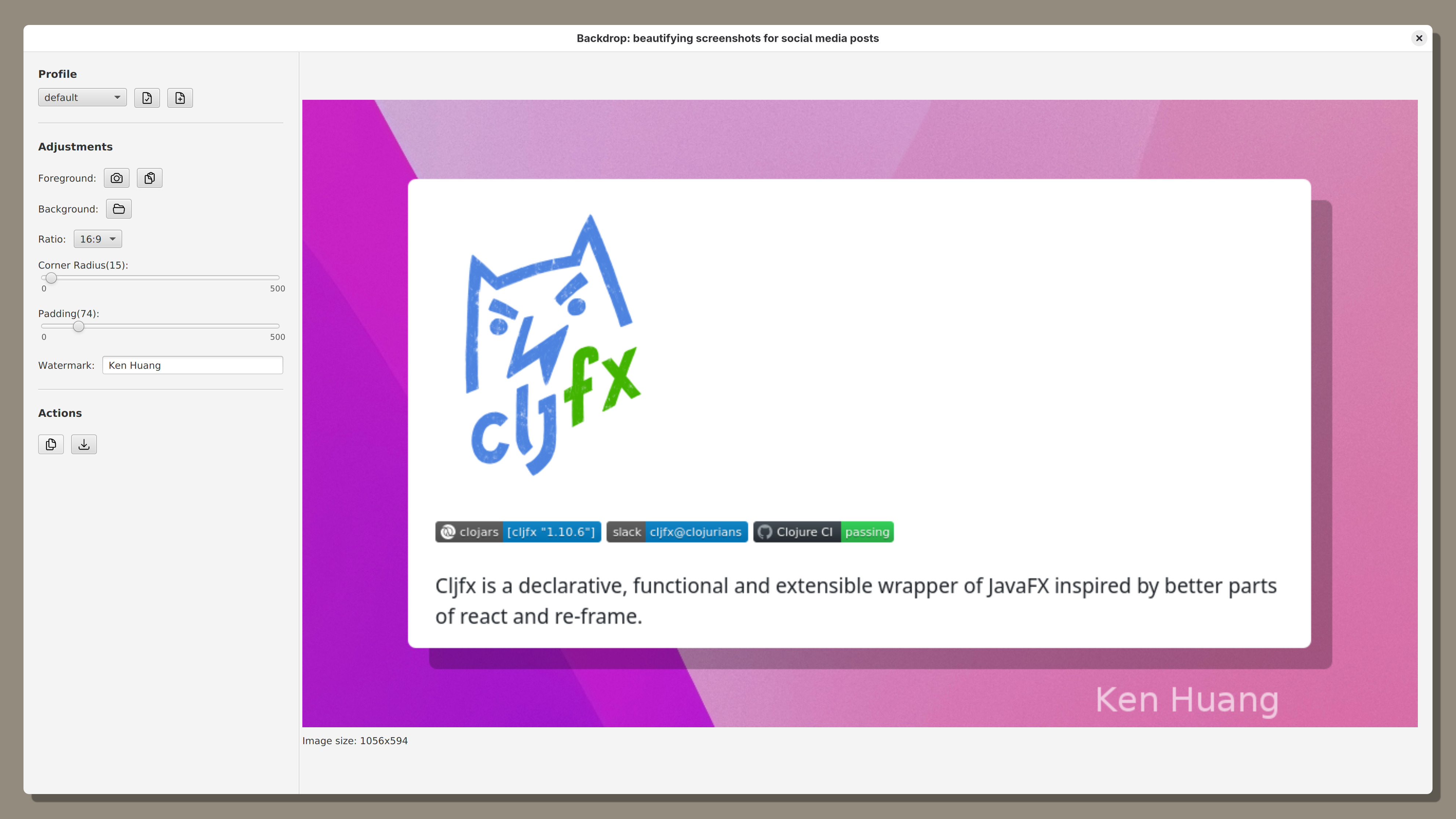
See Backdrop in Action
Features
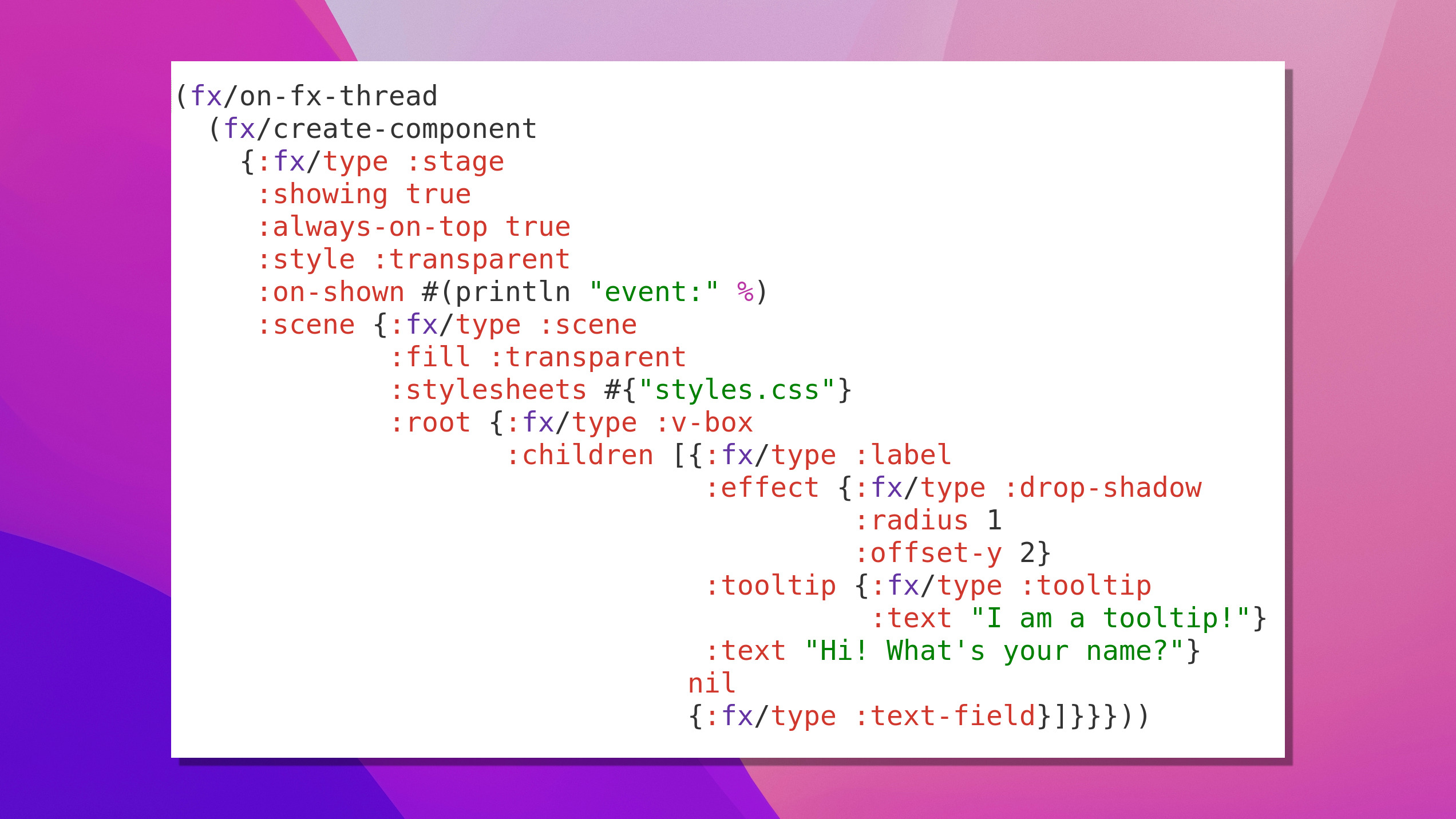
Stunning Backgrounds
Elevate your screenshots with vibrant gradients, custom images, or elegant solid colors.
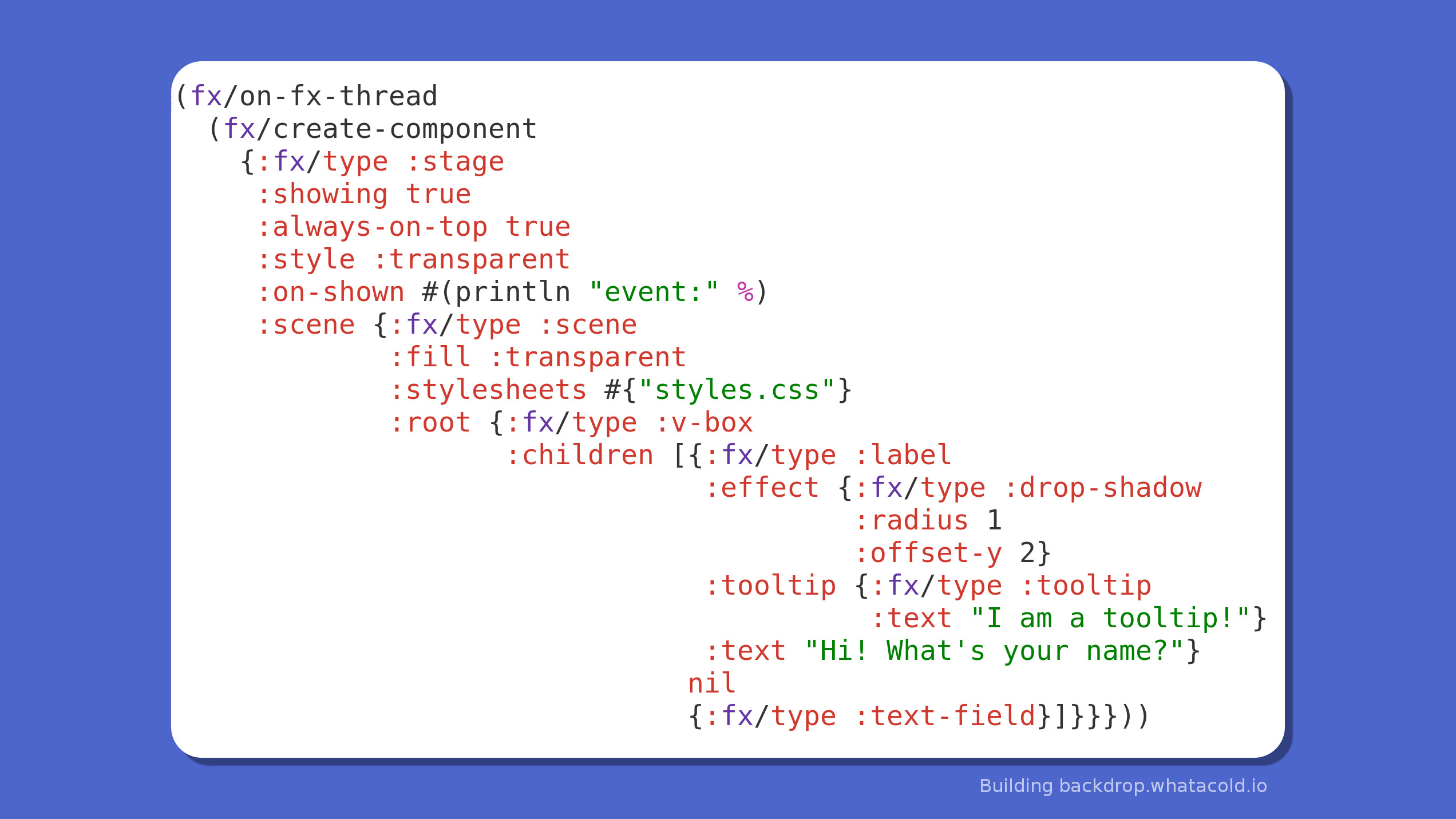
Precision Fine-Tuning
Perfect every detail by adjusting corner radius, adding depth with shadows, and controlling padding.
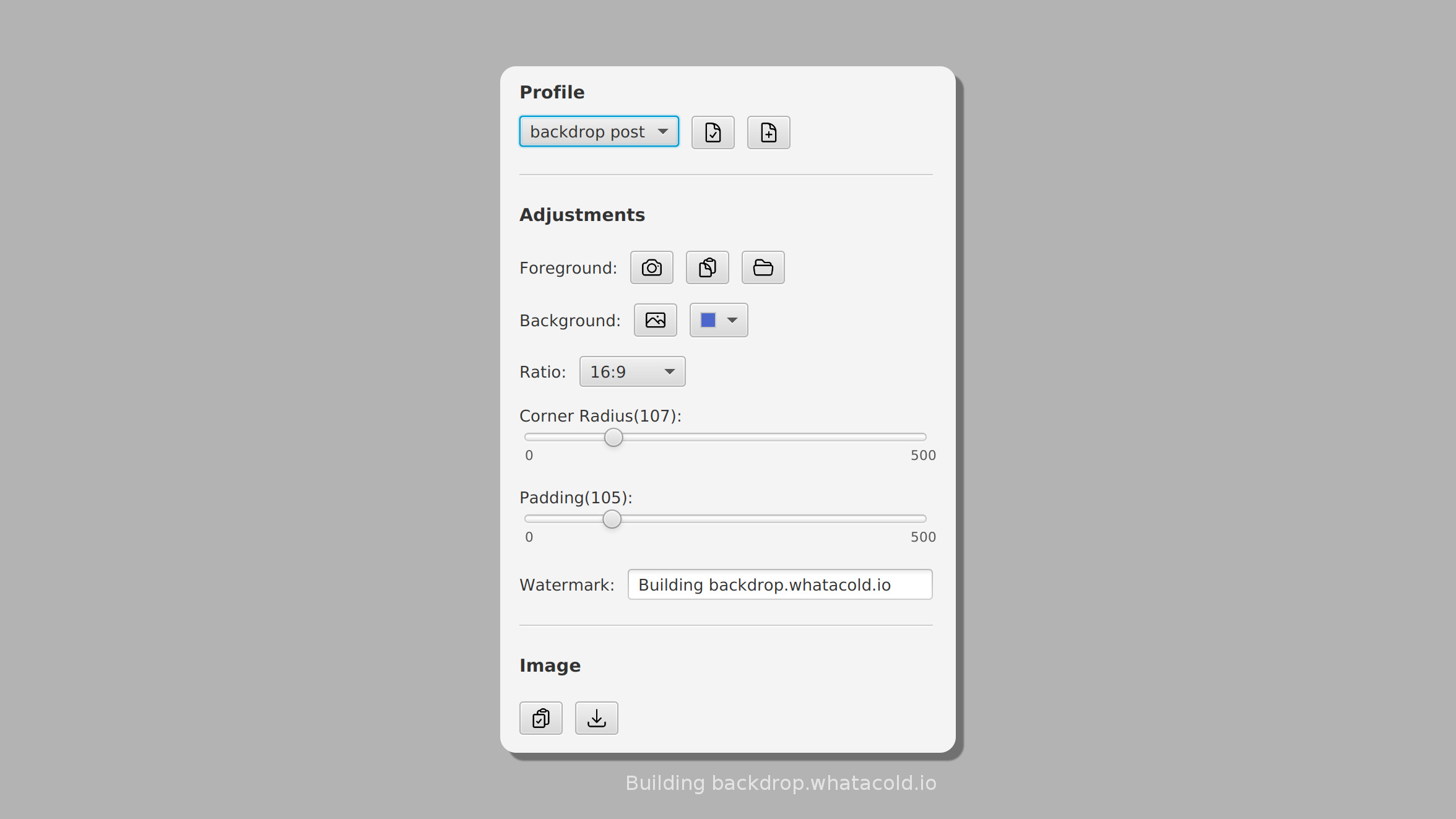
Streamline with Profiles PRO
Save your favorite styles as profiles to apply them to new screenshots with a single click.
Pricing
Free
- Windows and Linux support
- Capture, paste, or import images
- Beautify and export results
Pro
- All Free features included
- Instant copy-to-clipboard
- Unlimited custom profiles
- Customizable or removed watermark
Download Backdrop
Verified on Windows 10, GNOME (X11 & Wayland), KDE (Wayland) and i3wm.
Frequently Asked Questions
We value your privacy. Backdrop only collects basic system information—specifically your OS type, desktop environment, and hostname. This data is used exclusively for license management and ensuring compatibility with your system.
Launch: Open Backdrop from your App Launcher or run java -jar /path/to/backdrop.jar in your terminal.
Capture or Load: Take a new screenshot using the built-in tools or import an existing image file from your computer.
Beautify: Use the editor to add vibrant backgrounds, adjust rounded corners, add shadows, and fine-tune padding.
Save & Share: Once you're happy with the result, save the image and share it on social media!